 NoteCurrent
Hear the song. See the music. Play it.
NoteCurrent listens to any song and shows its key, tempo and chords in seconds. Then it gives you the tools to play it: a tuner, metronome, chord diagrams, a songbook, ear training and more.
Free. No account. No ads. Your audio never leaves your device.
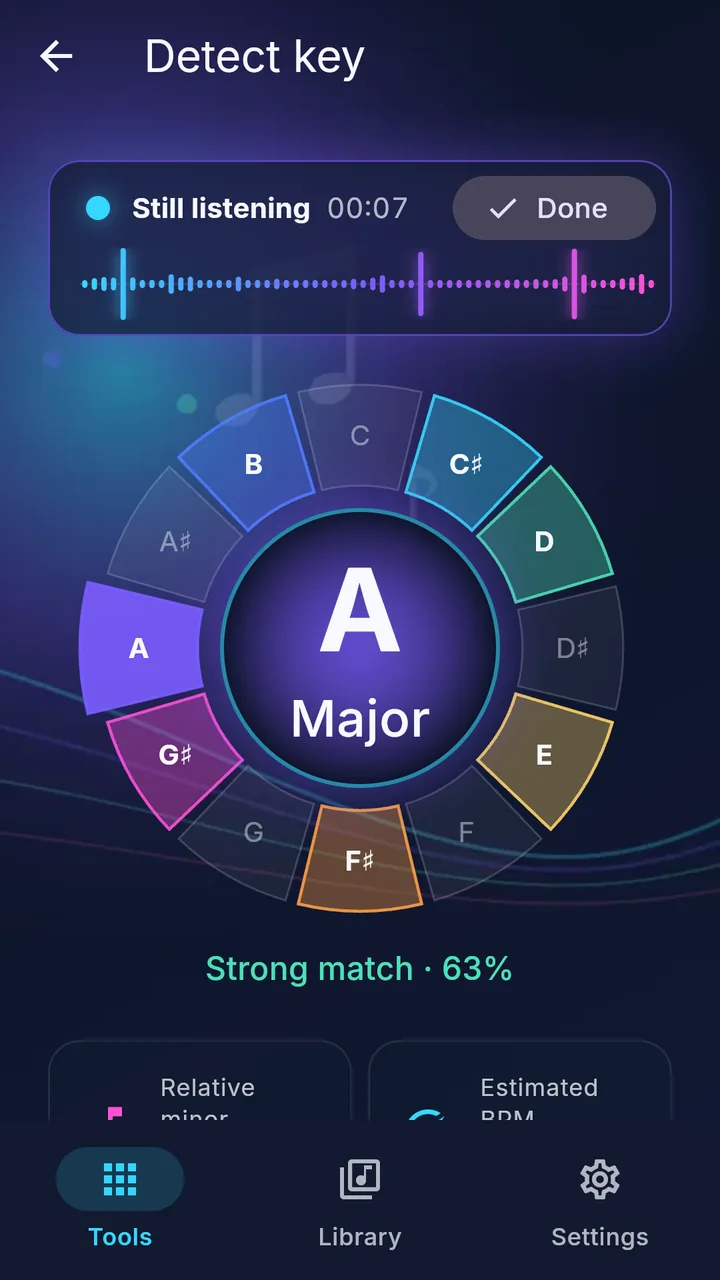
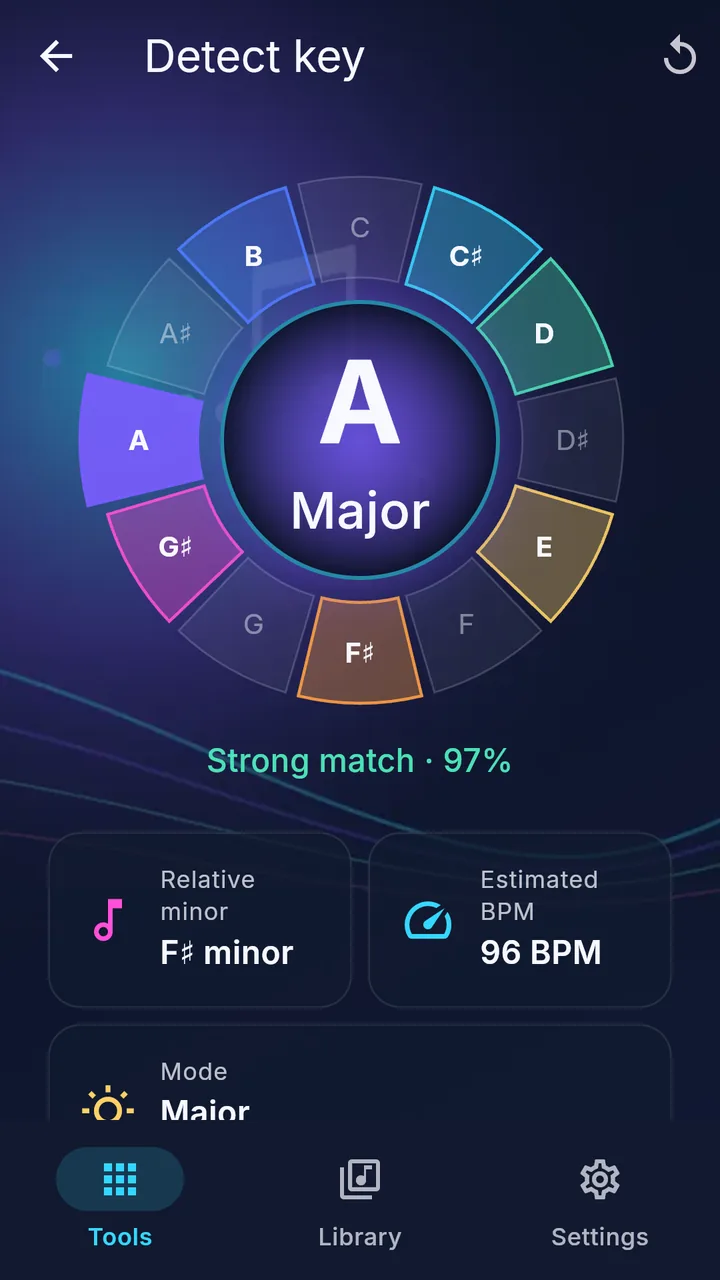
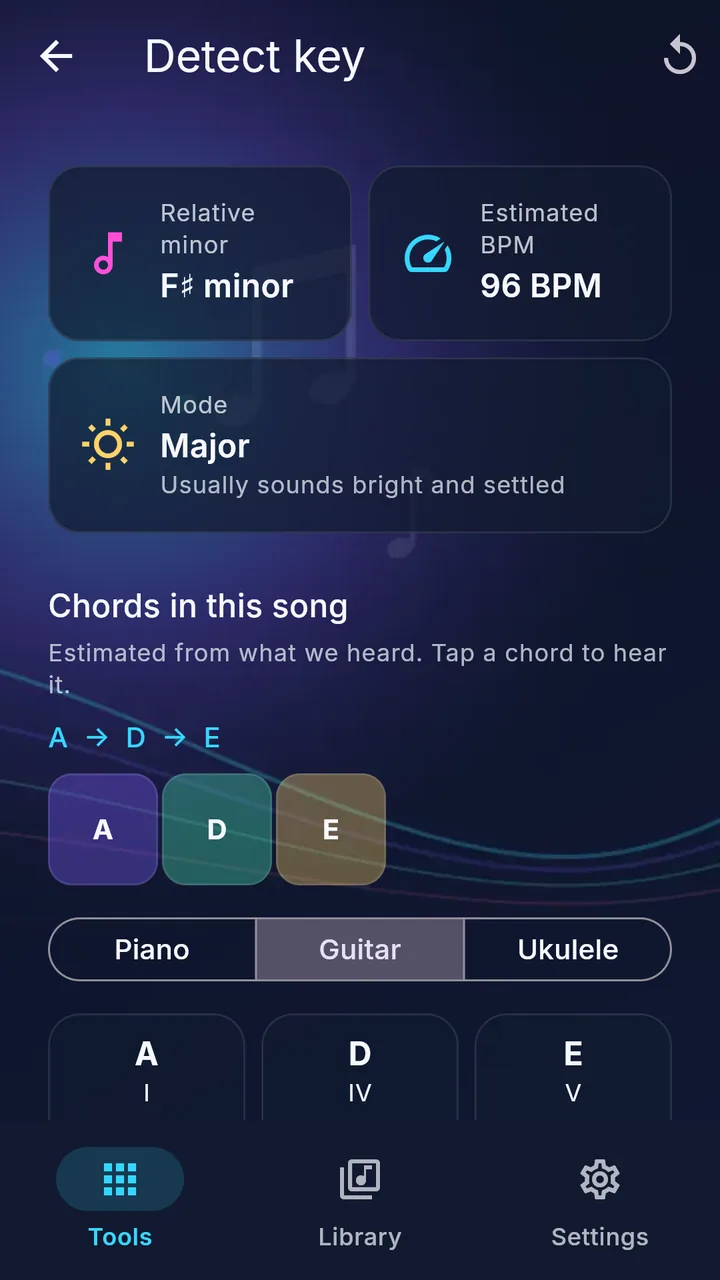
Tap Start listening. Play a song. Watch the music appear.
The key and match update live while NoteCurrent listens, the beat pulses with the music, and the song's name appears when Shazam finds it. Most songs settle in 5 to 20 seconds.
One app for every part of making music.
-
Hear it
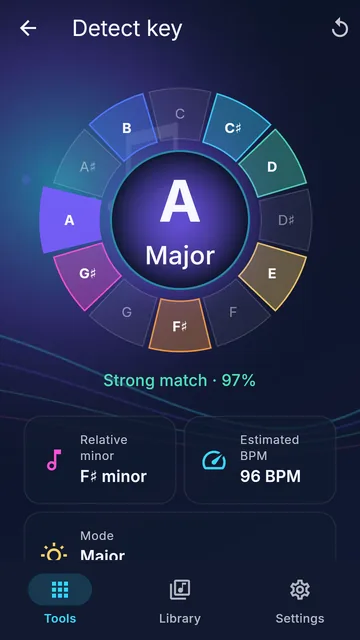
Key, tempo, chords and time signature from any song playing nearby. Keep listening and it predicts the next chord and marks key changes.
Key finder → -
Play it
Every chord on piano, guitar or ukulele. Scales, capo tips, transpose, chord charts and a songbook of classic songs.
Chord finder → -
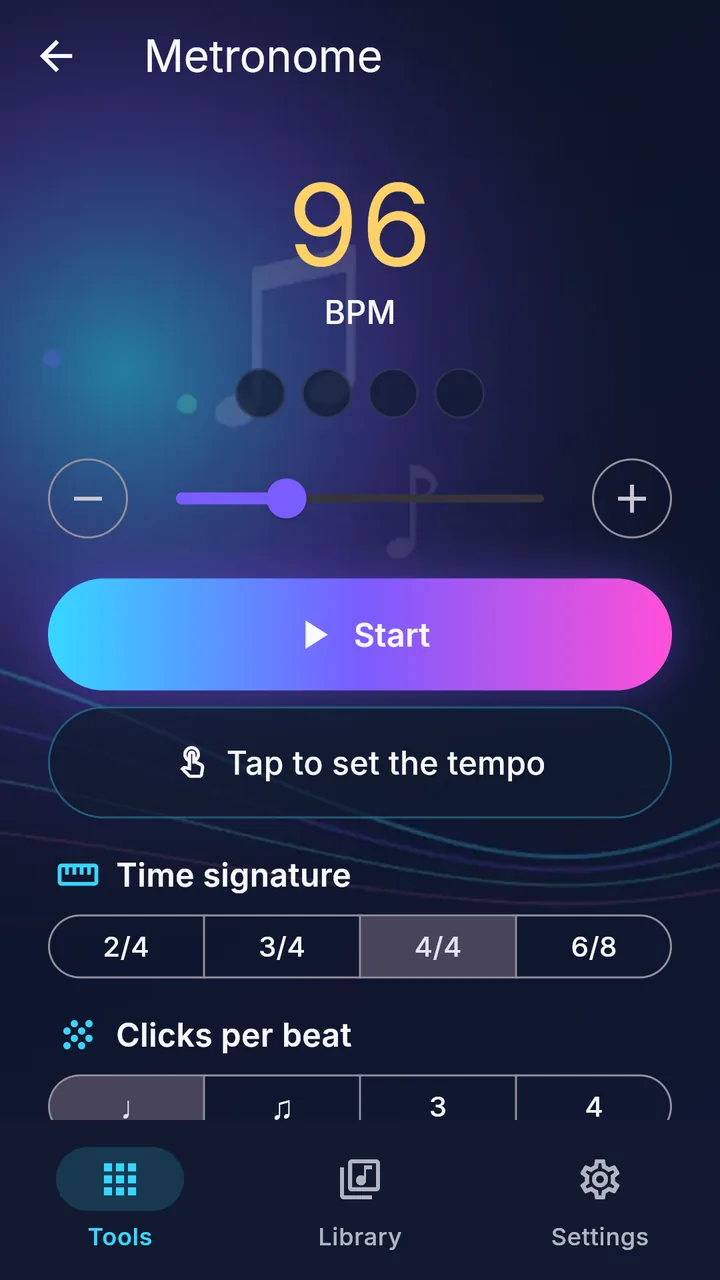
Practice it
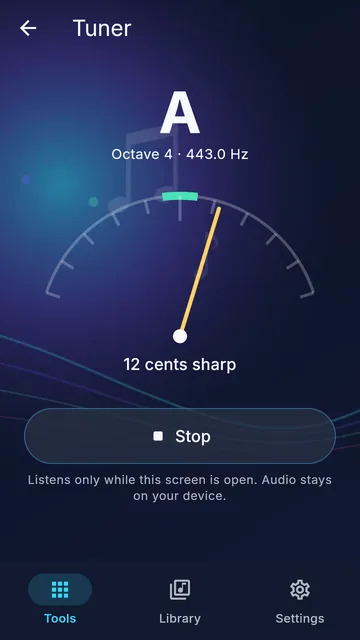
Tuner, metronome, drone and a practice log with a daily goal and streaks.
Metronome & drone → -
Train your ear
Guess the key, sing the note, tap the rhythm, read the staff. Games with streaks and best scores.
Ear training →
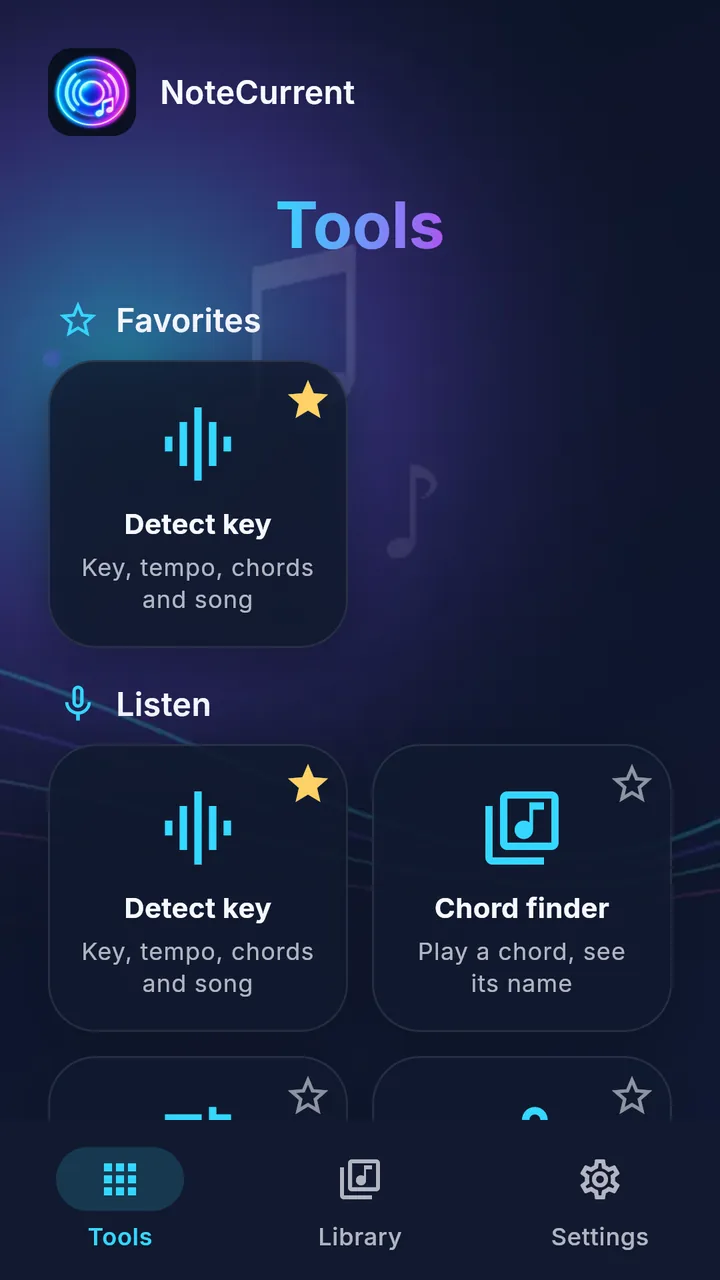
28 tools. Pin the ones you use.
Star any tool to pin it to the top. Detect key is pinned for you.
Know what to solo with.
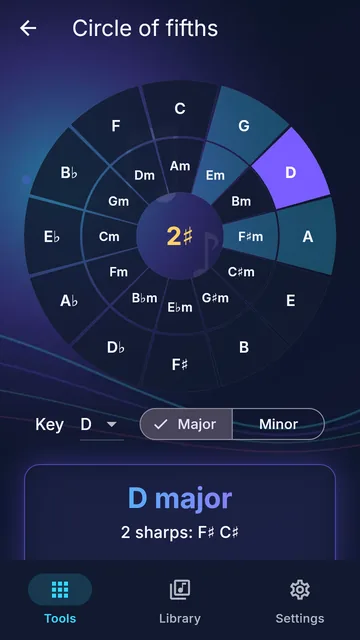
Pick a key and NoteCurrent shows the scale to play, where its notes sit on piano, guitar or ukulele, and a backing loop to play over. The notes of each chord light up as it changes, so you know which notes to land on.
Improvisation coach →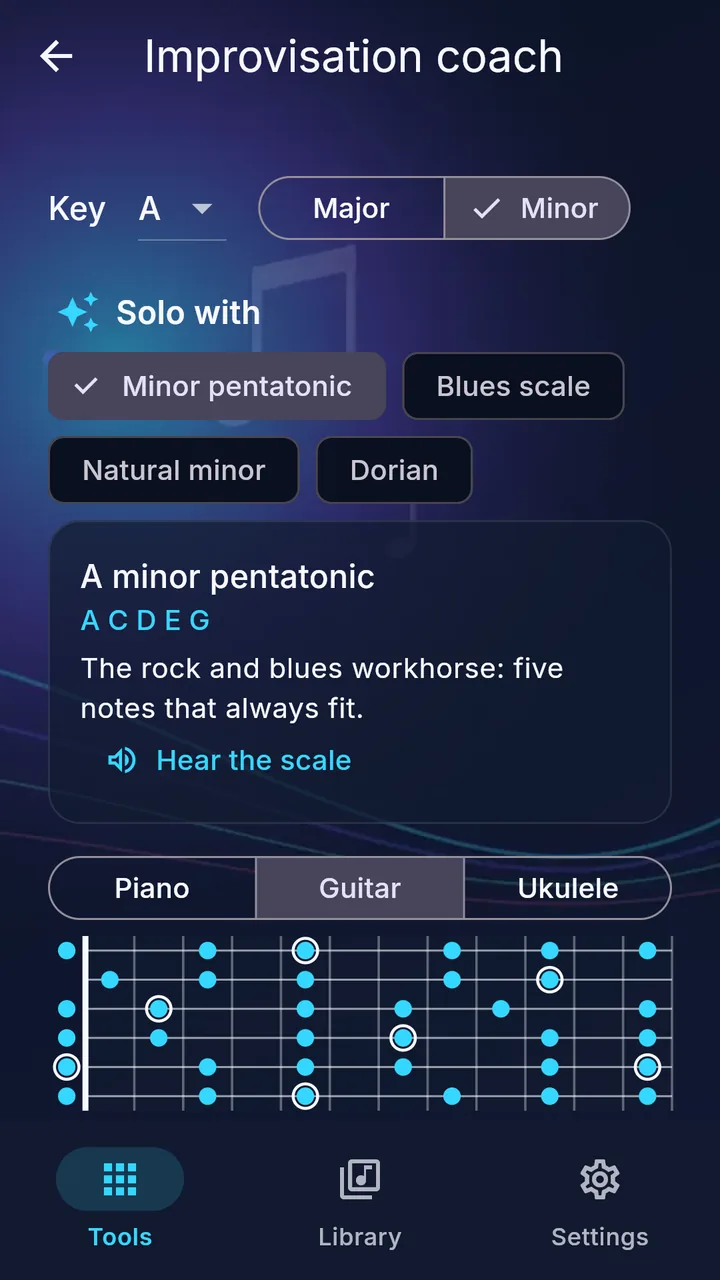
Songs to play tonight.
Open a classic from the songbook, transpose it to your key, and let it scroll while you play. Write your own charts with lyrics and chords and put them in a set list for the gig.
Songbook & charts →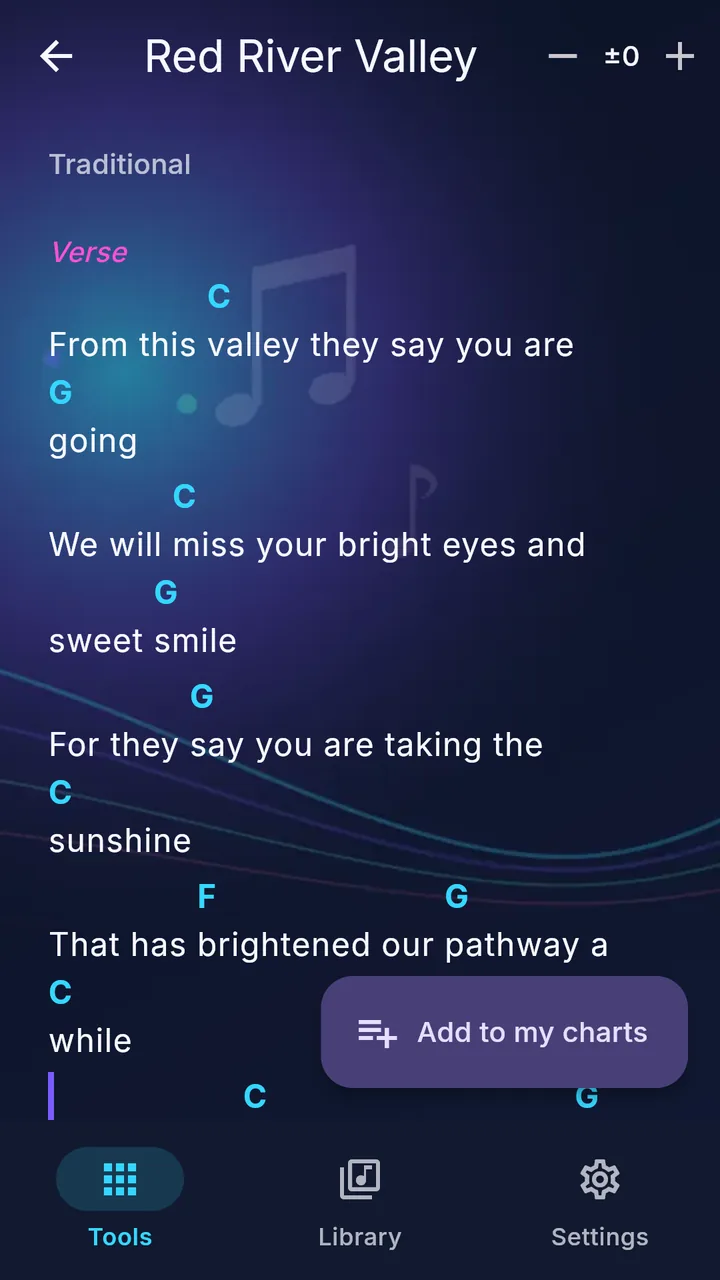
Listen. Understand. Play.
Listen
Tap Start listening and play music near your phone, or sing, hum or whistle.
Understand
See the key, tempo, chords and how sure the match is.
Play
Open the chords on your instrument, tune up, set the metronome and play along.
Made for musicians who learn by ear.
For the guitarist figuring out a song from the radio, the pianist moving a melody into a friendlier key, the singer finding a comfortable range, the songwriter trying out a progression, and the student building a daily practice habit.
Your music stays yours.
No account, no ads, no analytics. NoteCurrent analyzes sound on your device and never uploads or saves your audio. To name a song, the iPhone and Android apps send Apple's Shazam service a short fingerprint, not the audio, and you can turn that off in Settings. Your Library, charts and practice log stay on your device.
Read the privacy policy →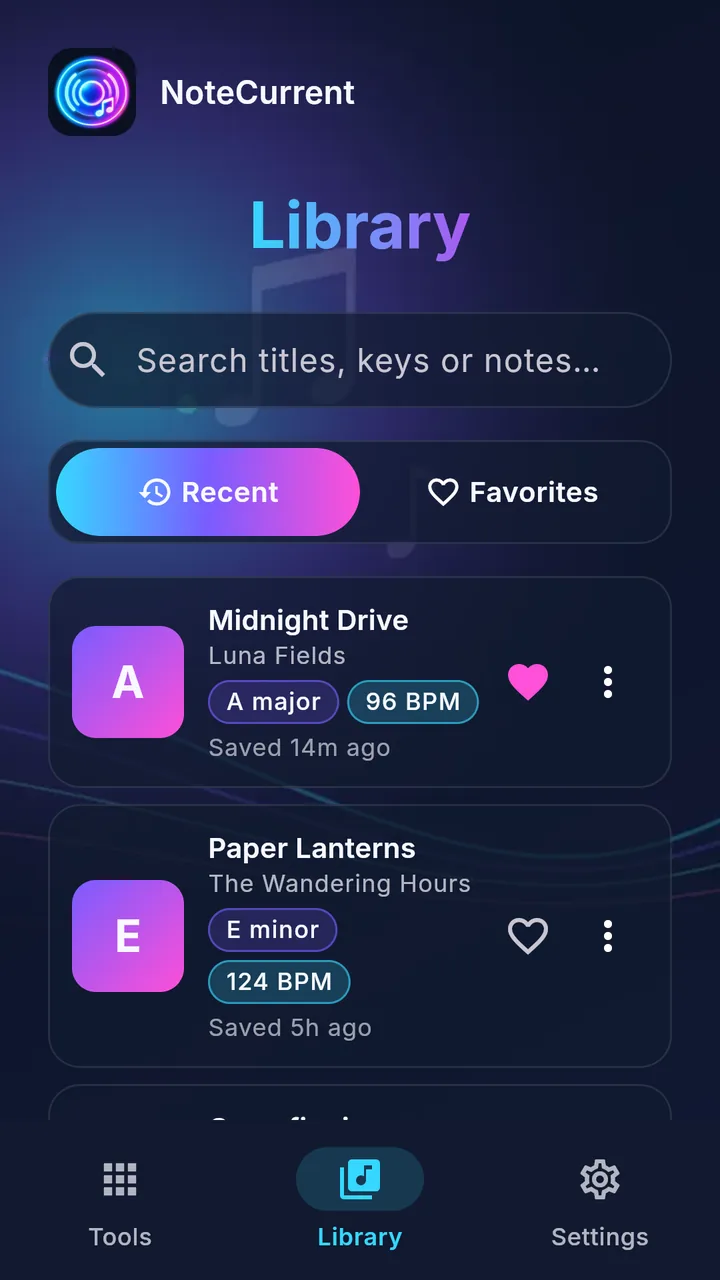
Try it before you install it.
Open NoteCurrent in Chrome, Safari, Edge or Firefox, allow the microphone, and play a song. When you like it, take it with you on iPhone, iPad or Android.
Song identification is available in the iPhone and Android apps.
Questions
Is NoteCurrent free?
Yes. No ads and no account.
How accurate is the key?
It's an estimate with a match percentage. Most pop, rock and folk songs come out clearly; when a song sits between two keys, NoteCurrent shows the alternatives instead of guessing.
Can it hear music from Spotify or YouTube?
Yes. Play it out loud near your device and tap Start listening.
Which instruments does it support?
Chords and scales are shown for piano, guitar and ukulele. The tuner works with any instrument or voice.
Does it upload my recordings?
No. Audio is analyzed on your device and never saved.
More answers on the support page.
Hear more in the music you love.
A few seconds of listening can be the start of playing it.

Free. No ads, no account. Song identification is in the iPhone and Android apps.